Here you will find ready-to-use descriptions, key facts, screenshots and logos. No need to ask before using them. For questions or interview requests, see Contact.
Download all assets (ZIP, about 3.4 MB)
In one line
Less time on busywork, more time to think.
A Chrome extension that shows every tab by name and lets you shelve finished ones by project, so you end up with fewer tabs open.
Ready-to-use descriptions
LB TAB Layers is a Chrome extension that organizes your tabs and bookmarks into a “shelf” for each project.
LB TAB Layers is a Chrome extension that organizes your open tabs and bookmarks into project groups in the side panel. Everything is saved as Chrome bookmarks, so there is no account to create. Press ▶ to open all the pages in a group and ■ to close them. It was built by Liquid Block Inc., a video production company in Kobe, Japan, for its own day-to-day work.
LB TAB Layers is a Chrome extension that organizes your open tabs and bookmarks into project groups — “shelves” — in the side panel. Your tabs are listed by name, so you can tell them apart at a glance and put the finished ones away by project. Press ▶ to open all the pages in a group and ■ to close them. Everything is saved as Chrome bookmarks, so there is no account to create. You can start from a copy of your current bookmarks, and the originals stay exactly where they are. It also includes the tools you need for work: annotations on videos, web pages and images that you can hand over as a PDF or PowerPoint file, screenshots, and notes. It is free to use (up to 5 groups), and every feature is unlocked for the first 30 days. PRO is a one-time purchase. The interface is available in 19 languages. It was built by Liquid Block Inc., a video production company in Kobe, Japan, to spend less time on busywork and more time thinking.
Key facts
| Name | LB TAB Layers |
|---|---|
| Type | Chrome extension (works in the side panel) |
| Browsers | Google Chrome on desktop. We have also checked that it works in Microsoft Edge and Brave (except features that sign in with a Google account; see Help) |
| Price | Free (up to 5 groups). Every feature is unlocked for the first 30 days. PRO is a one-time purchase of $12.99 |
| Account | Not required |
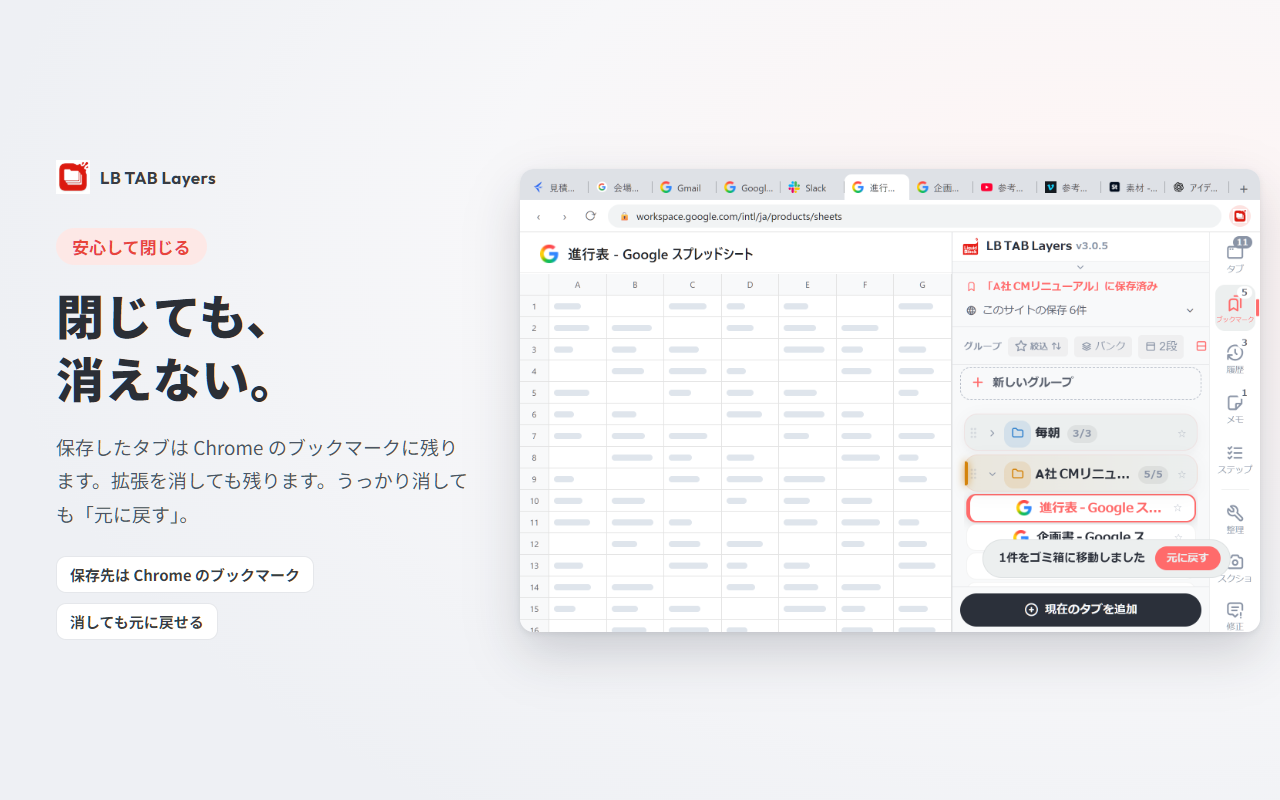
| Where data is stored | Groups and tabs are saved as Chrome bookmarks; notes and similar data stay on your computer. Nothing is sent to our servers (Privacy Policy) |
| Interface languages | 19 (English, Japanese, Chinese — Simplified and Traditional, Korean, Spanish, Portuguese, French, German and more) |
| Latest version and changes | What’s New |
| Get it | Chrome Web Store |
| Developer | LB Development Team, Liquid Block Inc. |
Main features
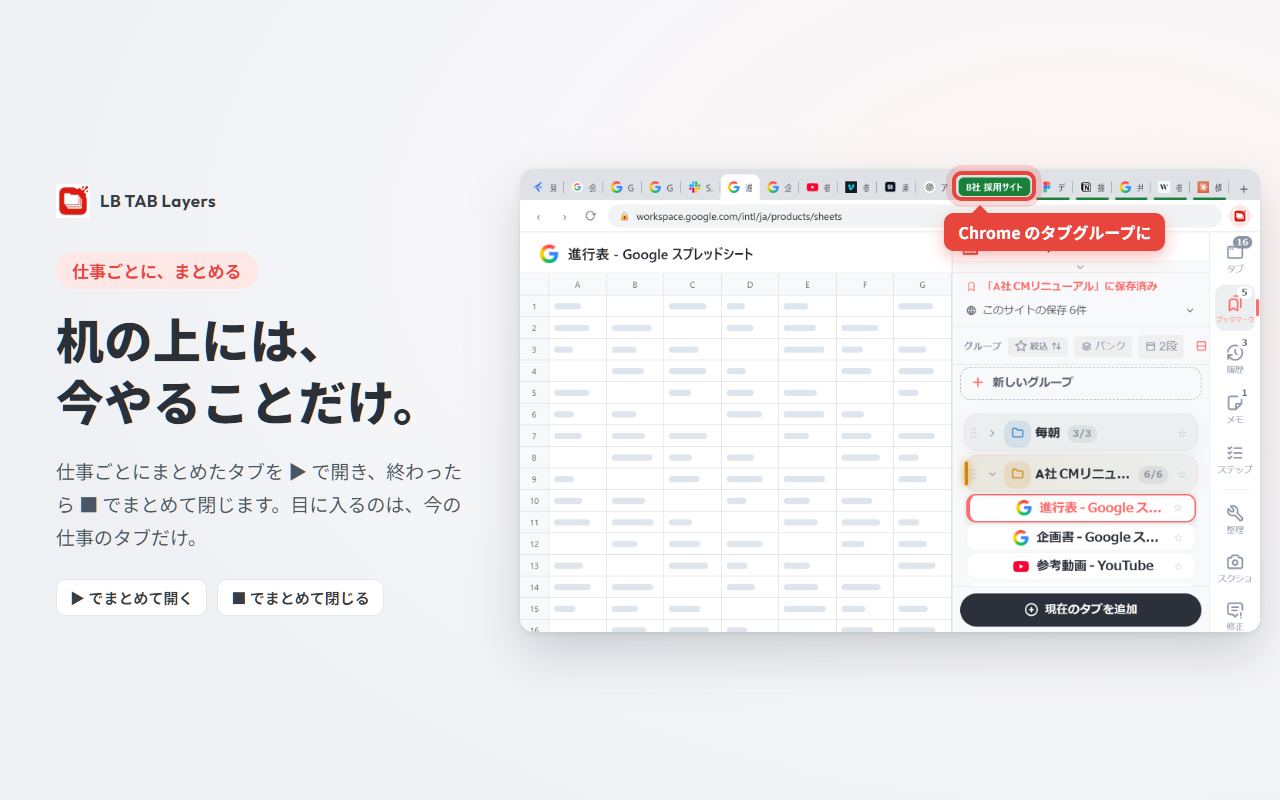
- Project groups: sort tabs and bookmarks into groups, open them all with ▶ and close them all with ■ (Bookmarks & groups help)
- Start from your current bookmarks: line up a copy of the bookmarks you already have; the originals are not moved (Start & keep going help)
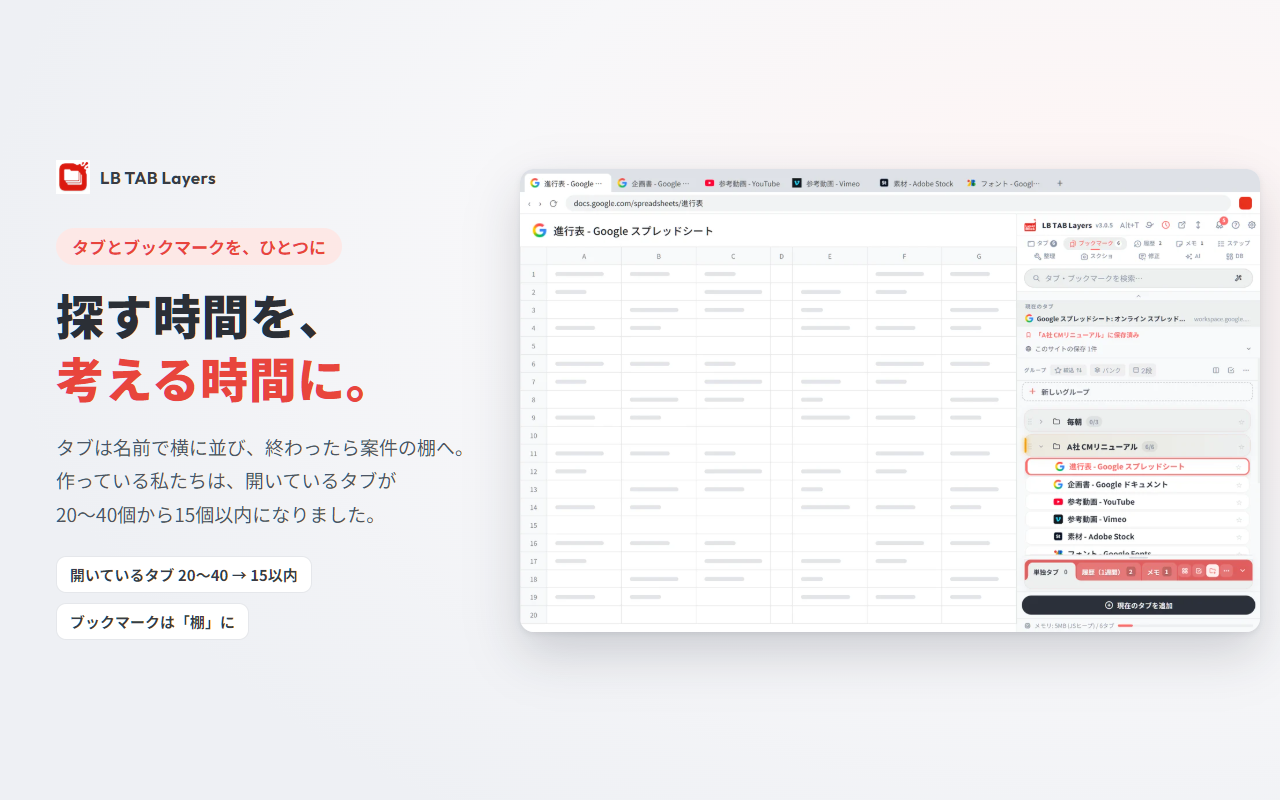
- Tidy up tabs: see open tabs by name and put the finished ones into a group (Tidy up tabs help)
- Revision notes: mark up videos, web pages and images, and hand them over as a PDF or PowerPoint file (Revision notes help)
- Screenshots: capture a full page, or every page in a group at once (Screenshots & images help)
- Notes and Step Tasks: notes linked to pages, and tasks broken into steps (Notes help · Step Tasks help)
Why we built it
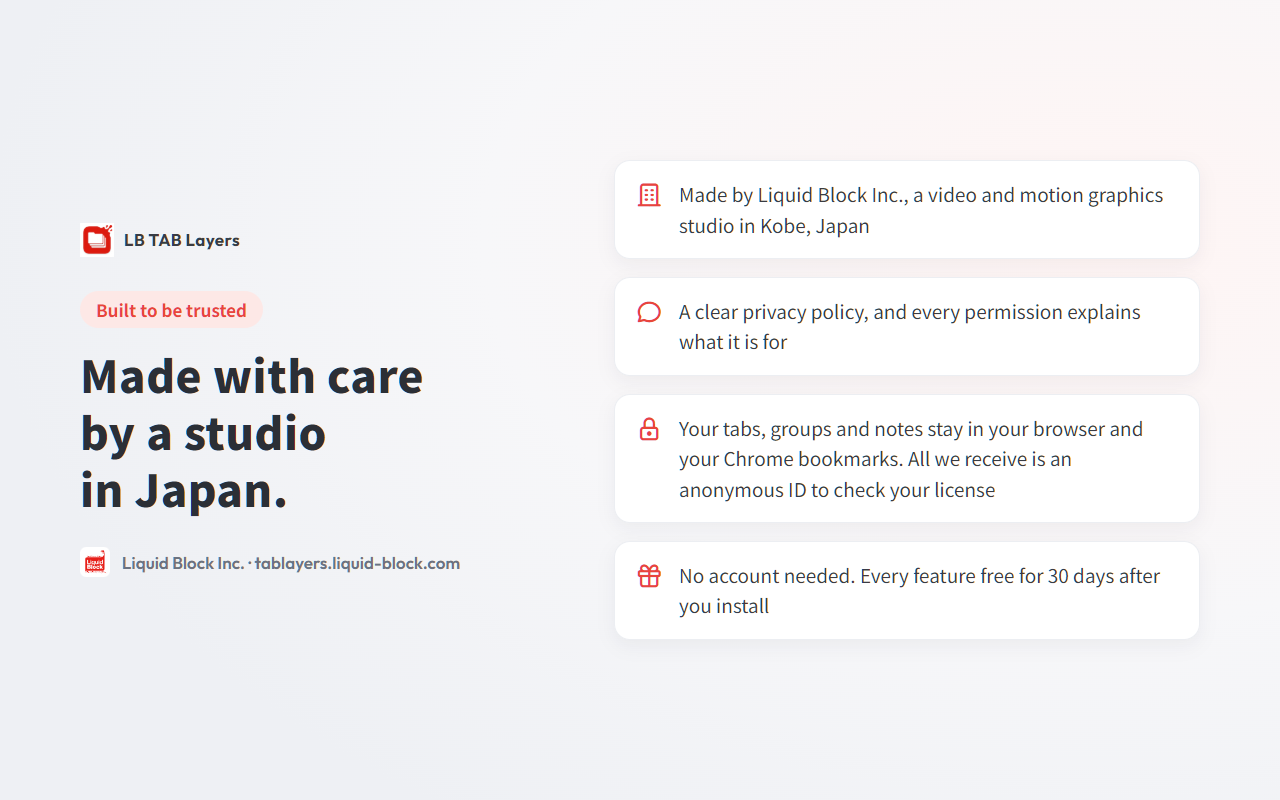
At Liquid Block, we manage every project in a single folder: planning, pre-production materials and references, AI research, storyboards, CG, cloud previews, delivery, and the invoice at the end of the month. In pre-production, dozens of reference tabs open at once, and the tab strip alone makes them impossible to tell apart.
In a side panel you can read the names, turn the tabs you collected into a folder, open them all to check, and close them all at once.
We built it to cut that daily friction — less time on busywork, more time to think.
— Liquid Block Inc. (from About Us)
Images
Click an image to open the full-size file, or download everything as a ZIP.
Screenshots (English, 1280×800)
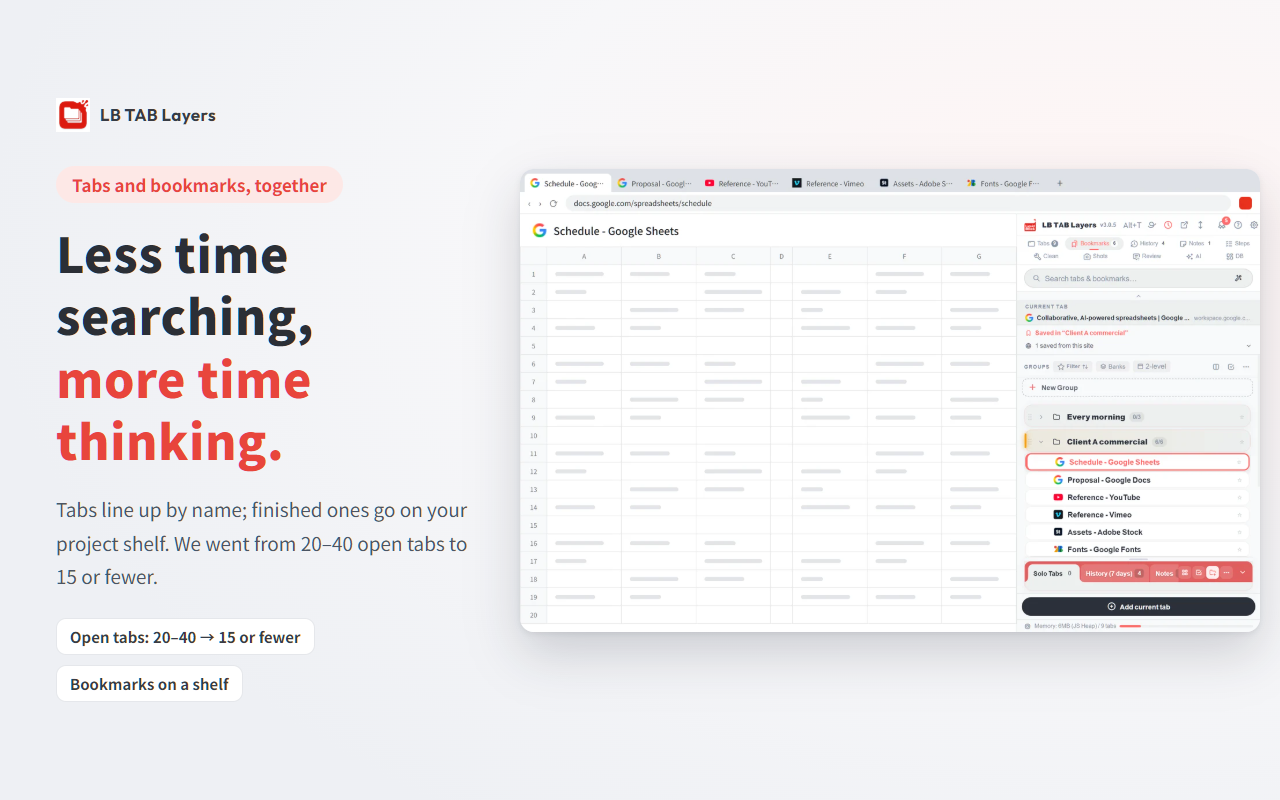
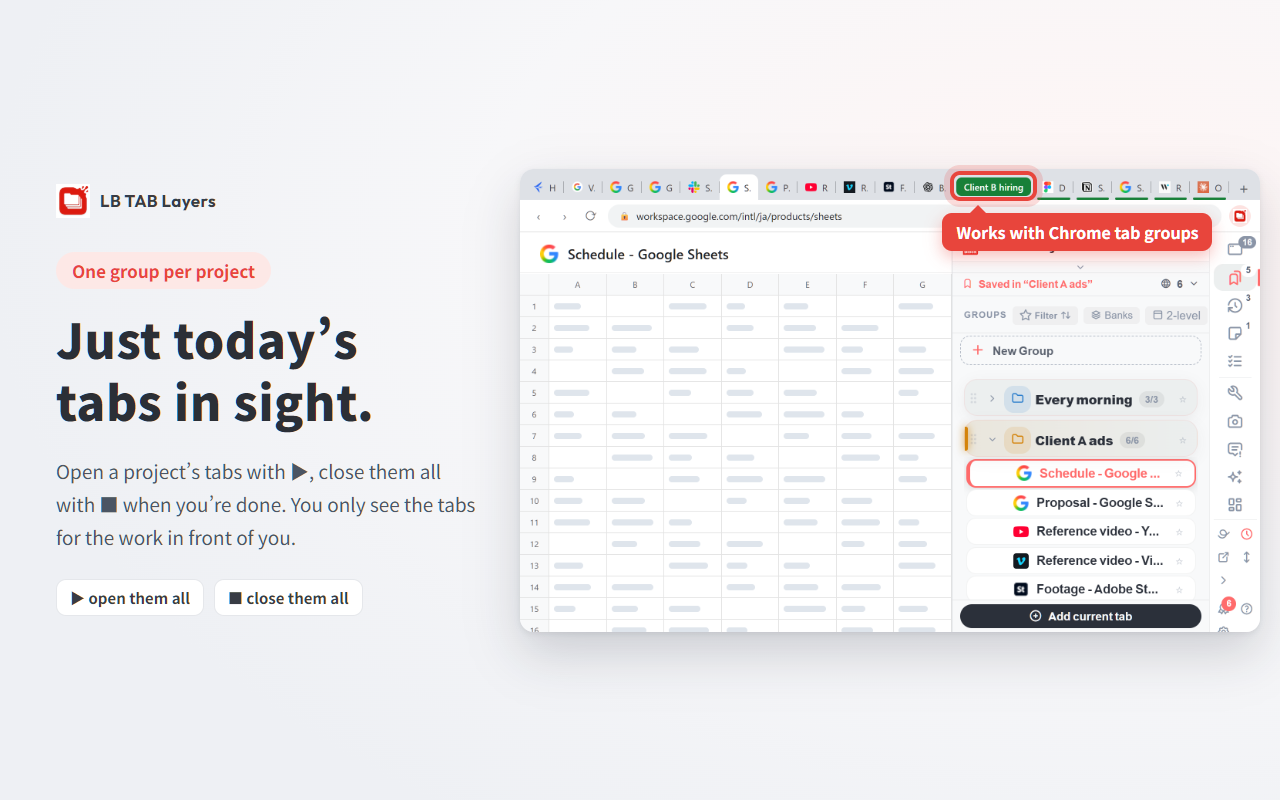
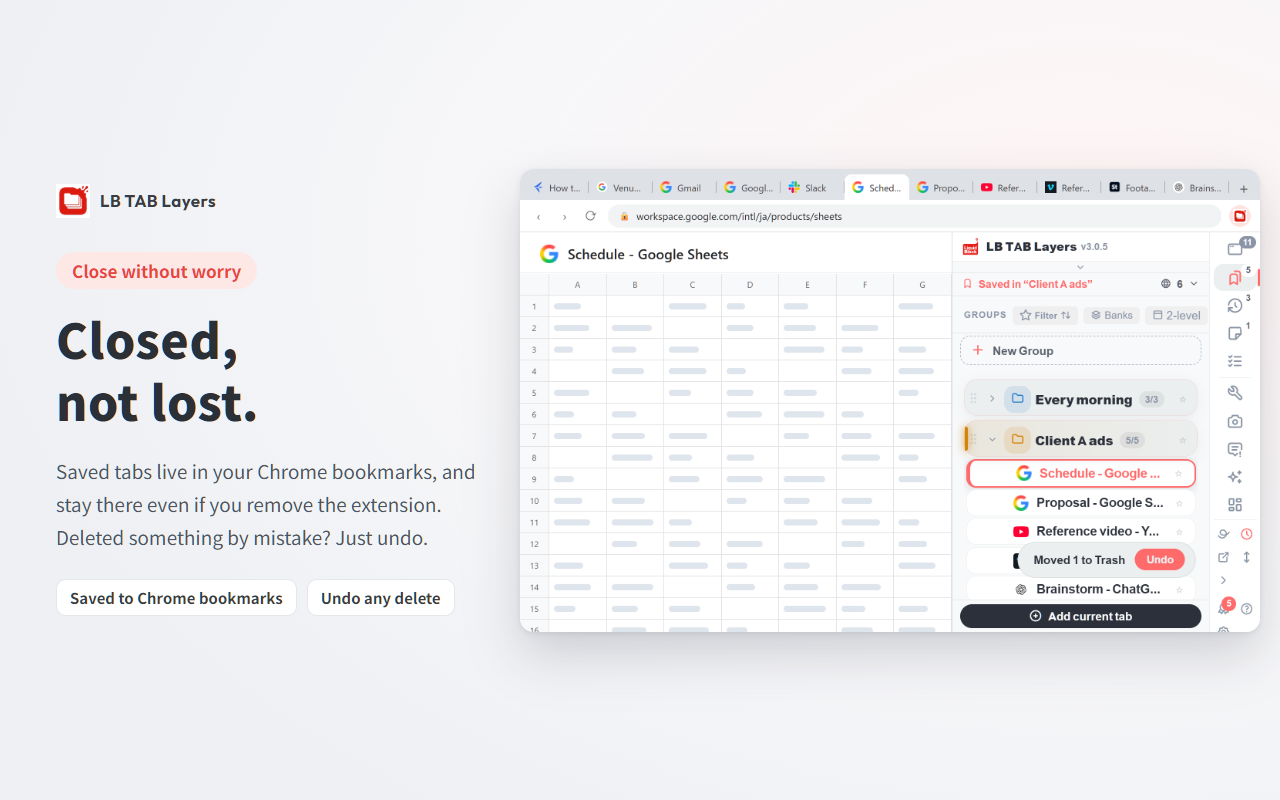
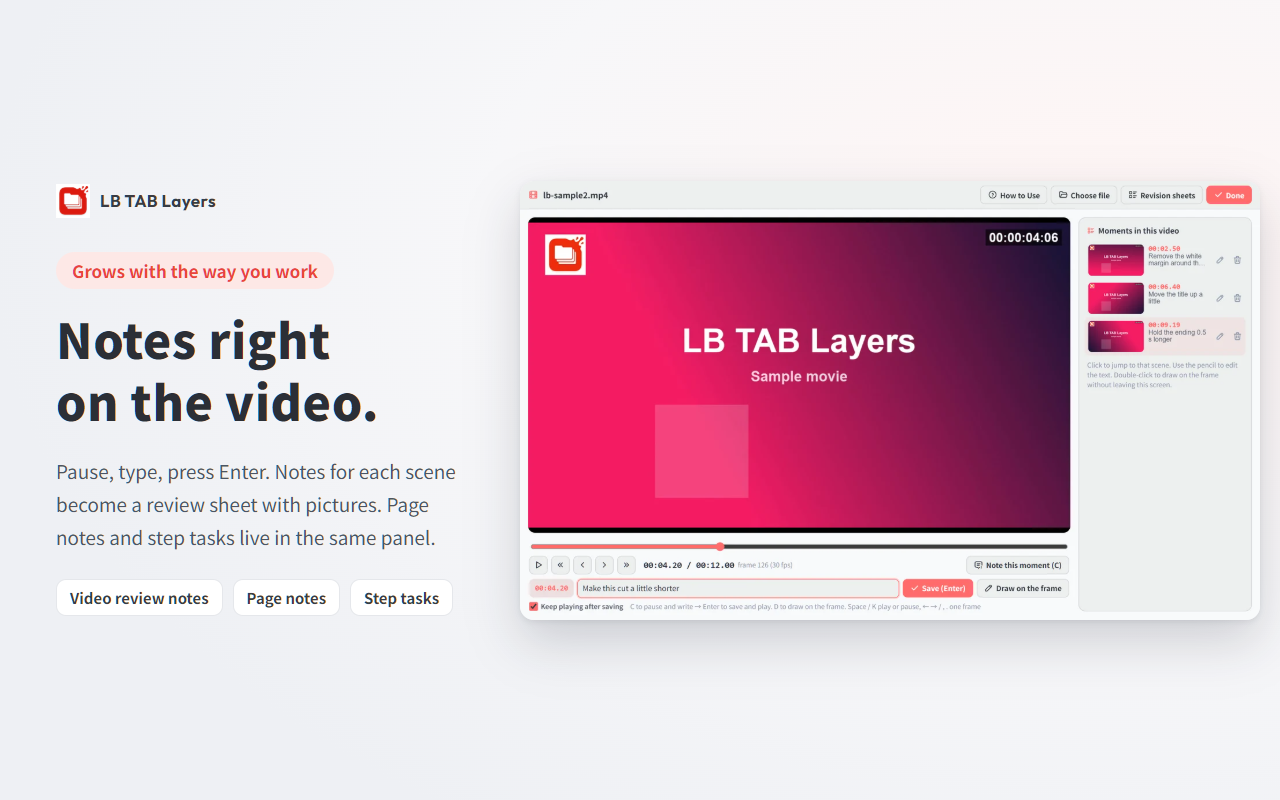
Screenshots (Japanese, 1280×800)
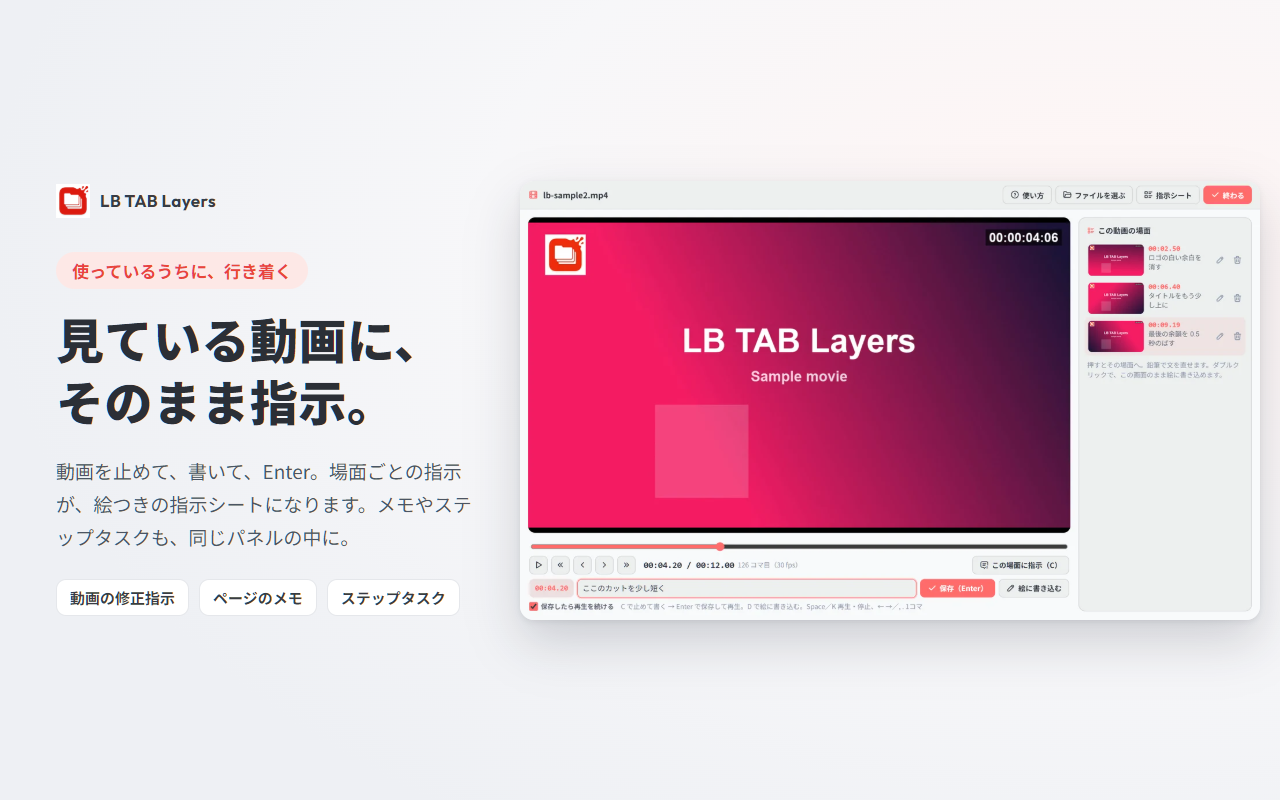
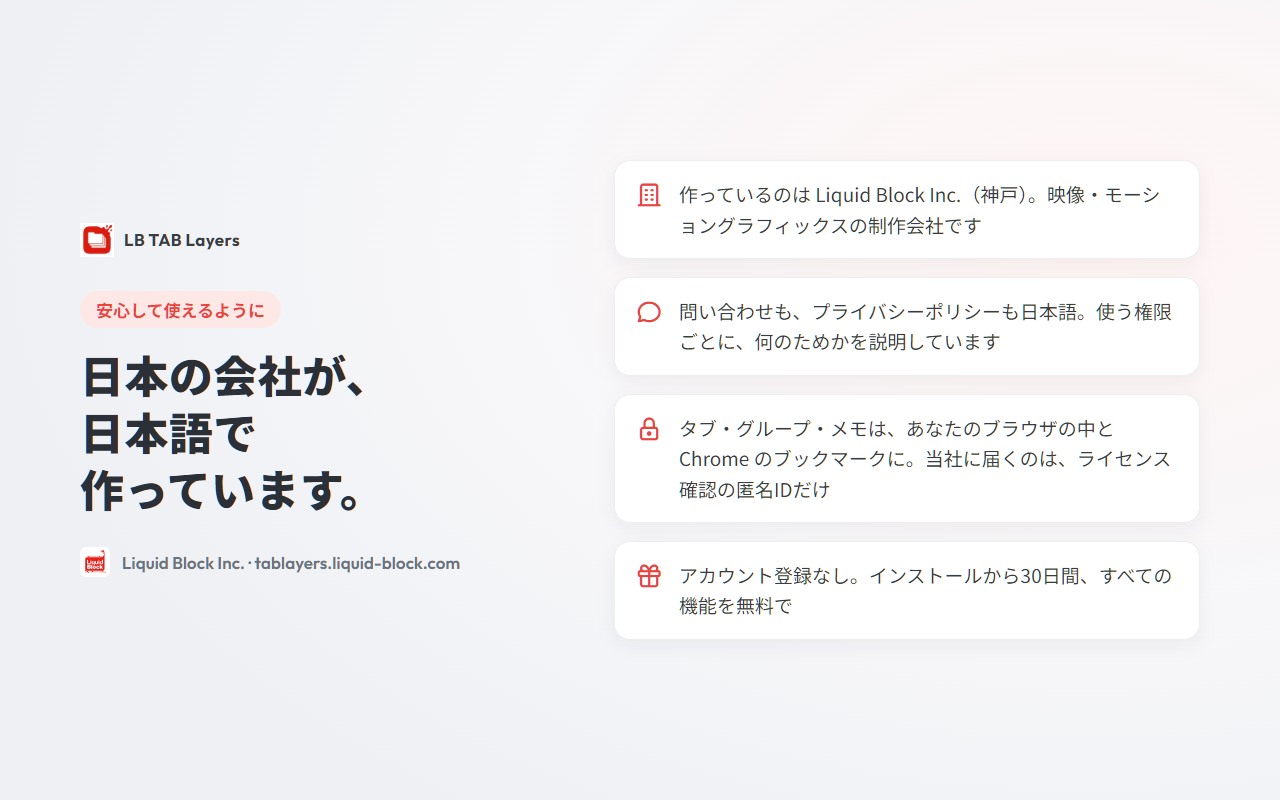
Banners (1400×560)
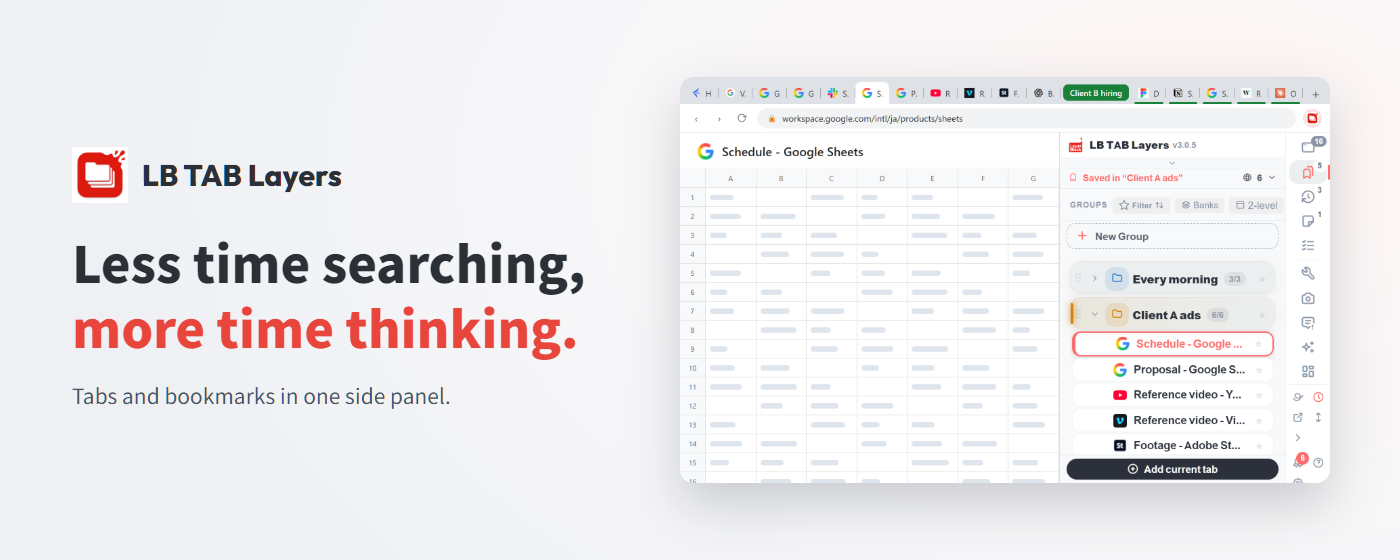
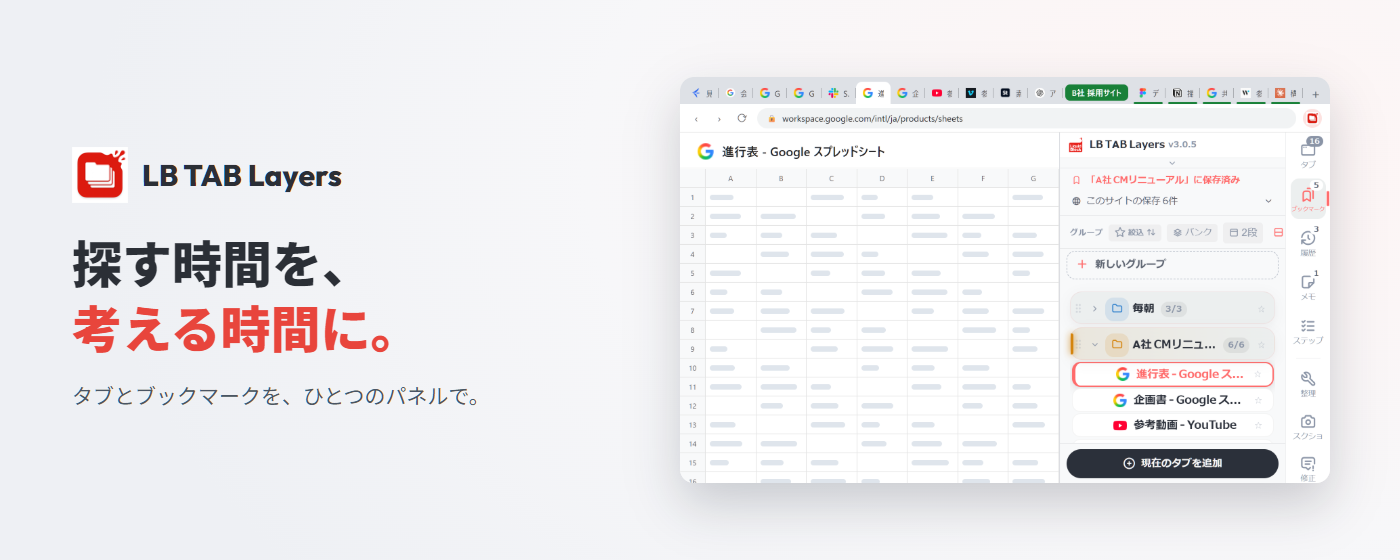
Logos and icon



Video
Our 15-second introduction video is on YouTube: LB TAB Layers 15-second commercial (feel free to embed it). It is in Japanese.
Using these assets
- Feel free to use them in articles, reviews and social posts — no need to ask.
- Resizing and cropping are fine; please do not change the colors or shape of the logos.
- We would appreciate a link to the official site or the Chrome Web Store page.
Company
| Company | Liquid Block Inc. (株式会社リキッドブロック) |
|---|---|
| Founded | May 2012, in Kobe, Japan |
| Location | Chuo-ku, Kobe, Hyogo, Japan |
| CEO | Hideyoshi Saimoto (蔡本 英賛) — profile |
| Business | Video production (motion graphics, CG, animation, video design) and development of apps and browser extensions for everyday work |
| Website | https://www.liquid-block.com |
Contact
For interviews, coverage or asset requests, email info@liquid-block.com (Liquid Block Inc.).
Useful links
- Official site · Features · Help · What’s New
- Blog · About Us · Privacy Policy
- X (@LBTabLayers)
- 日本語:メディア・取材の方へ